Screenshots
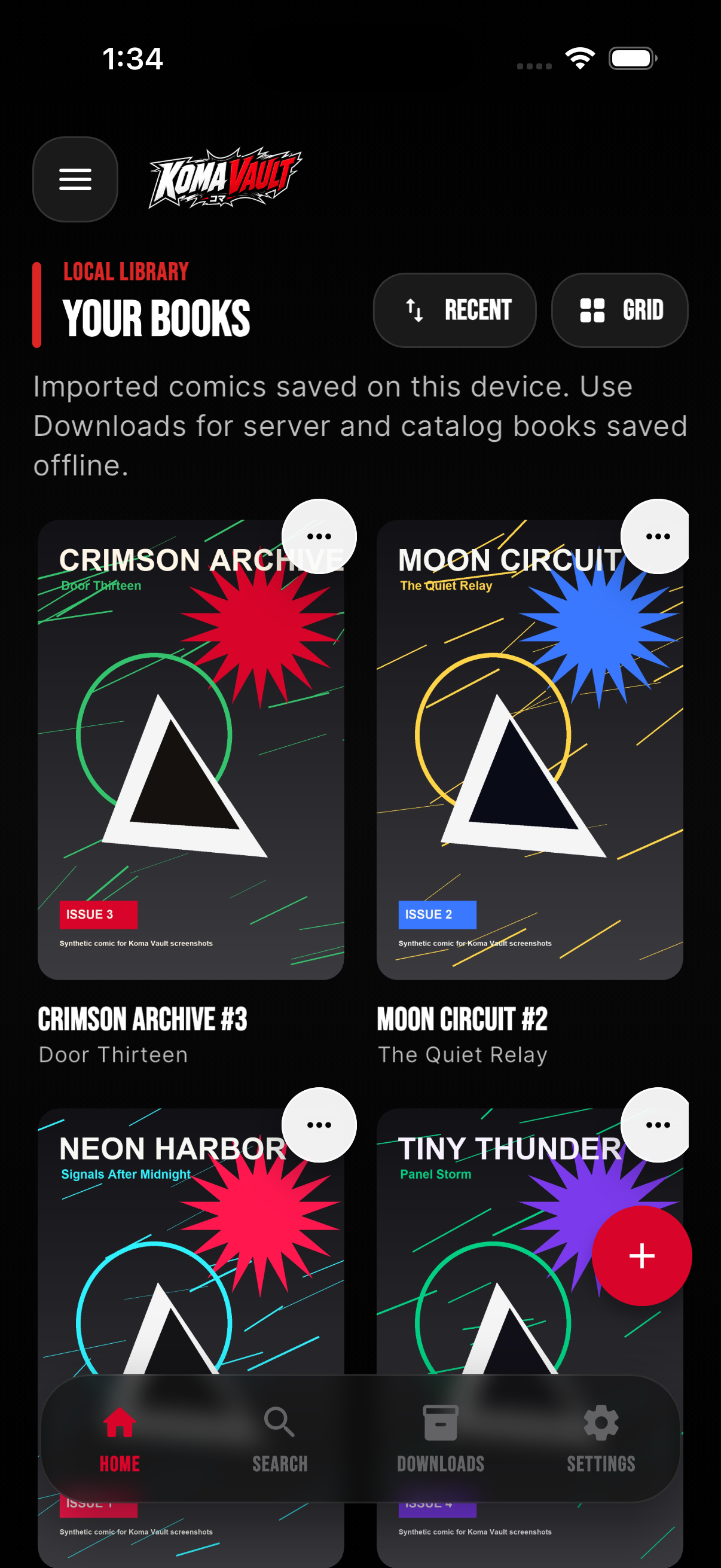
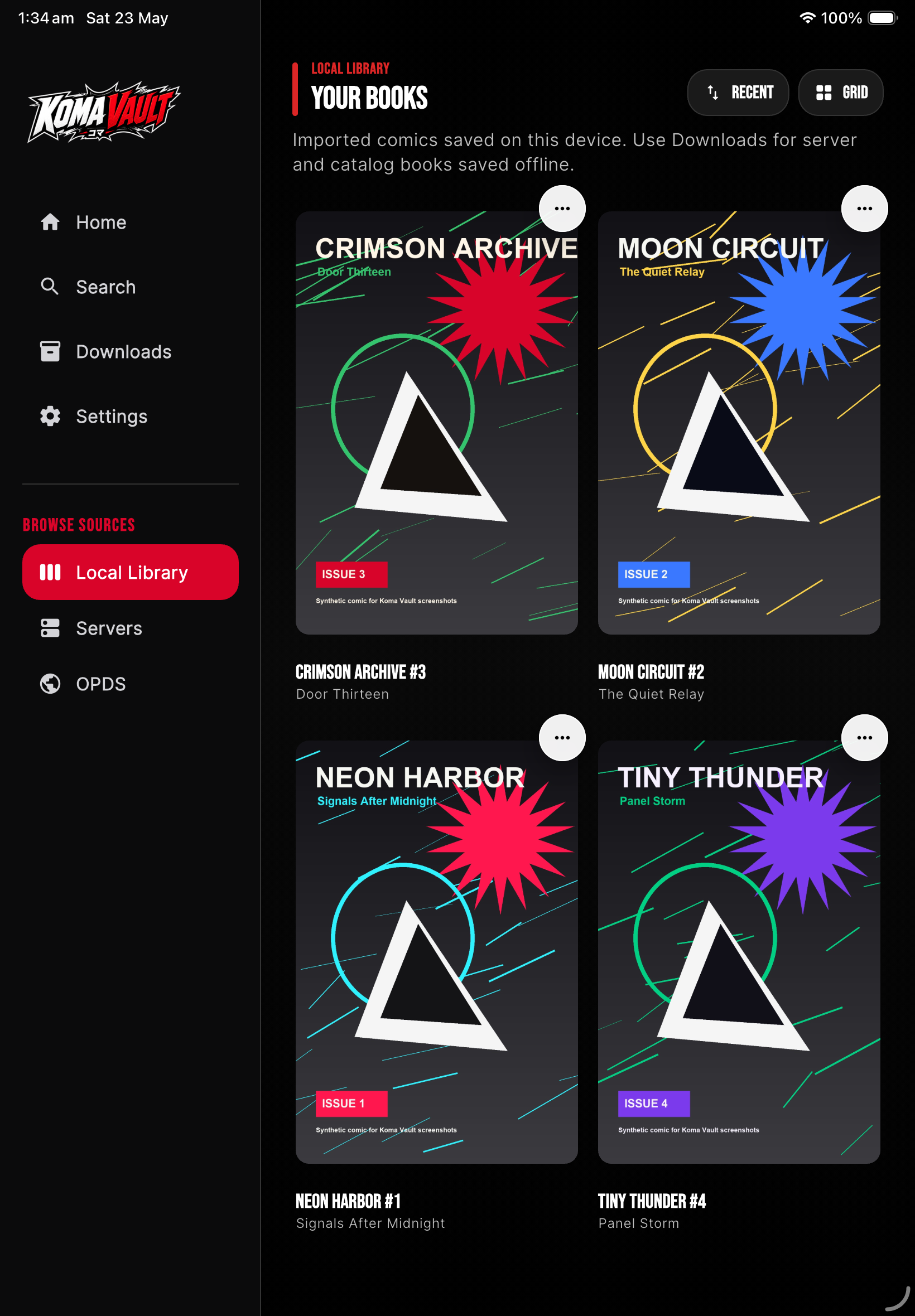
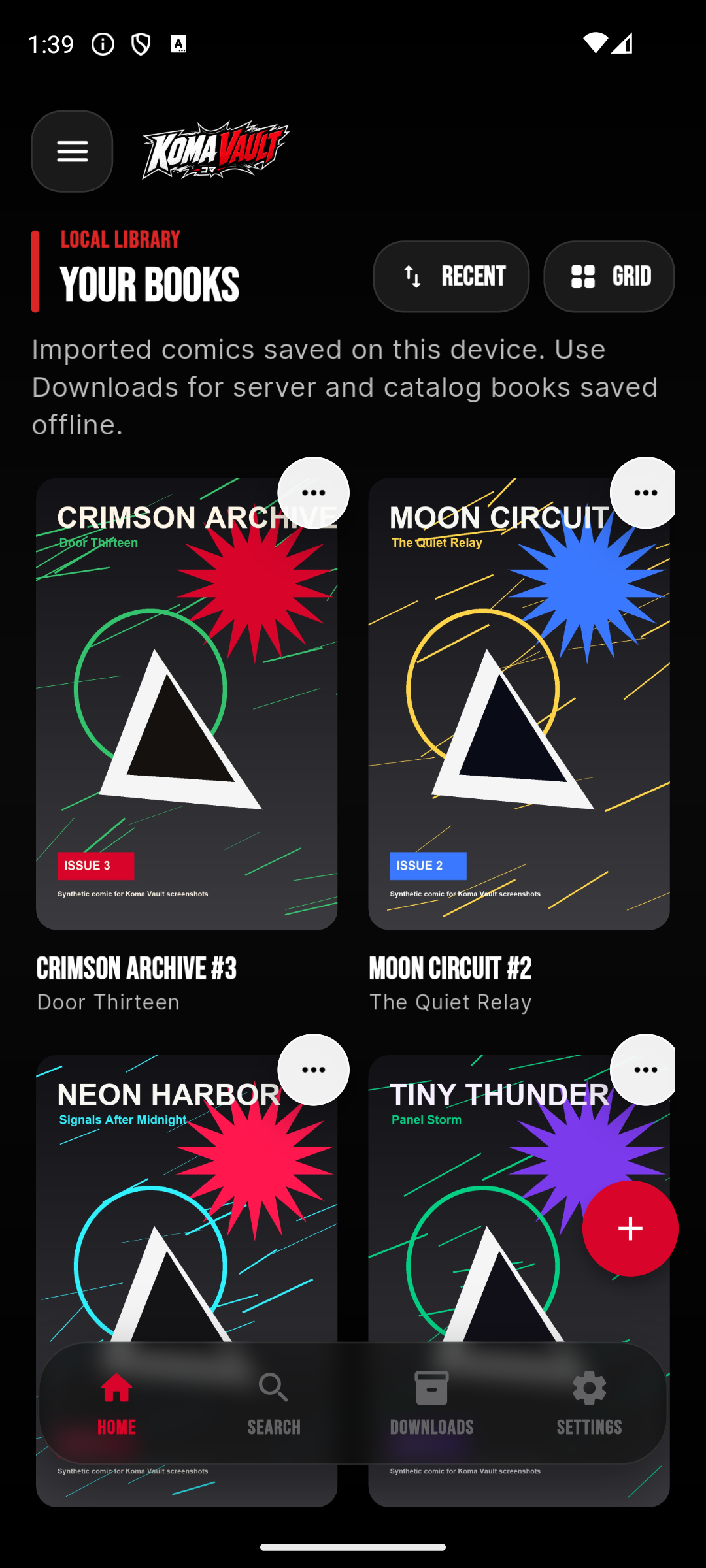
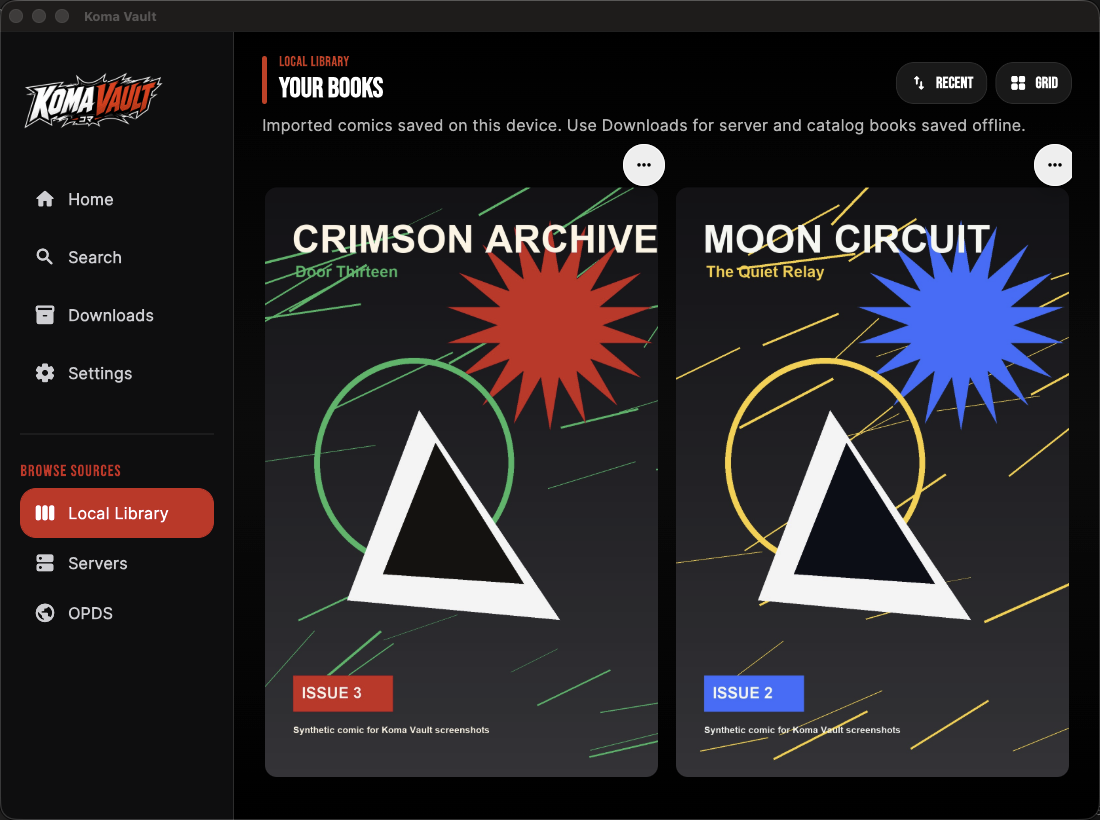
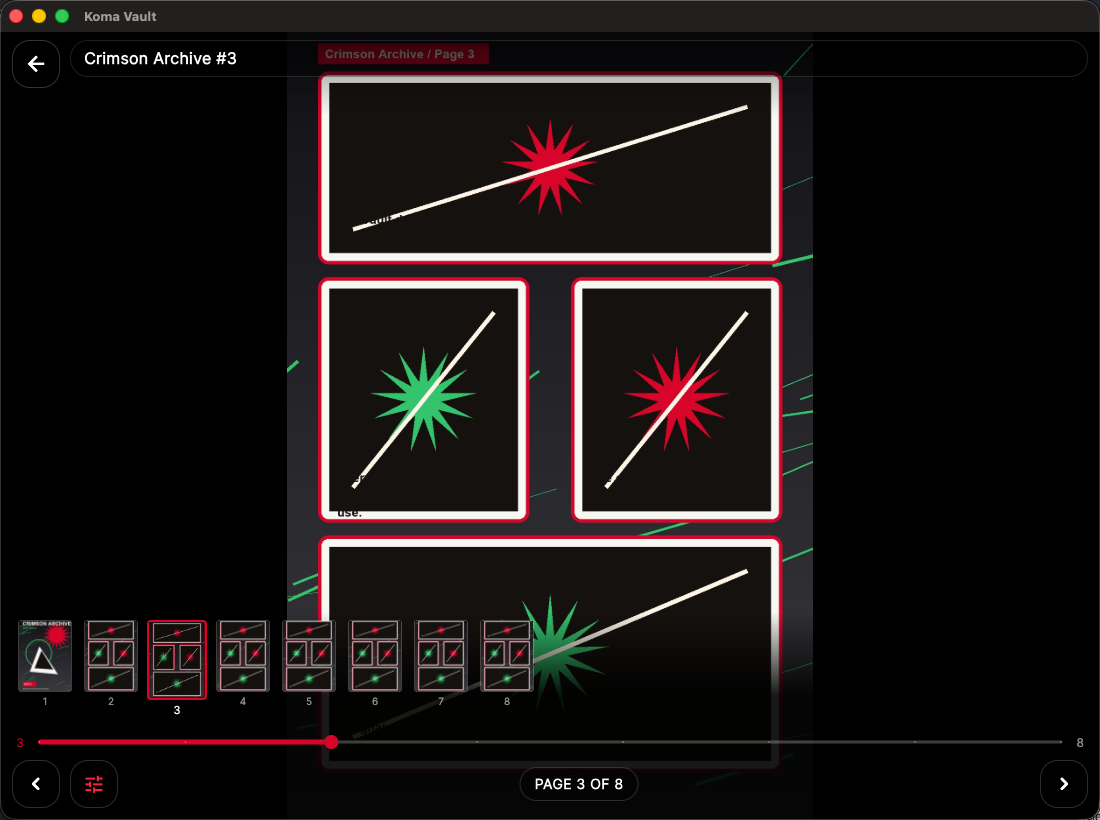
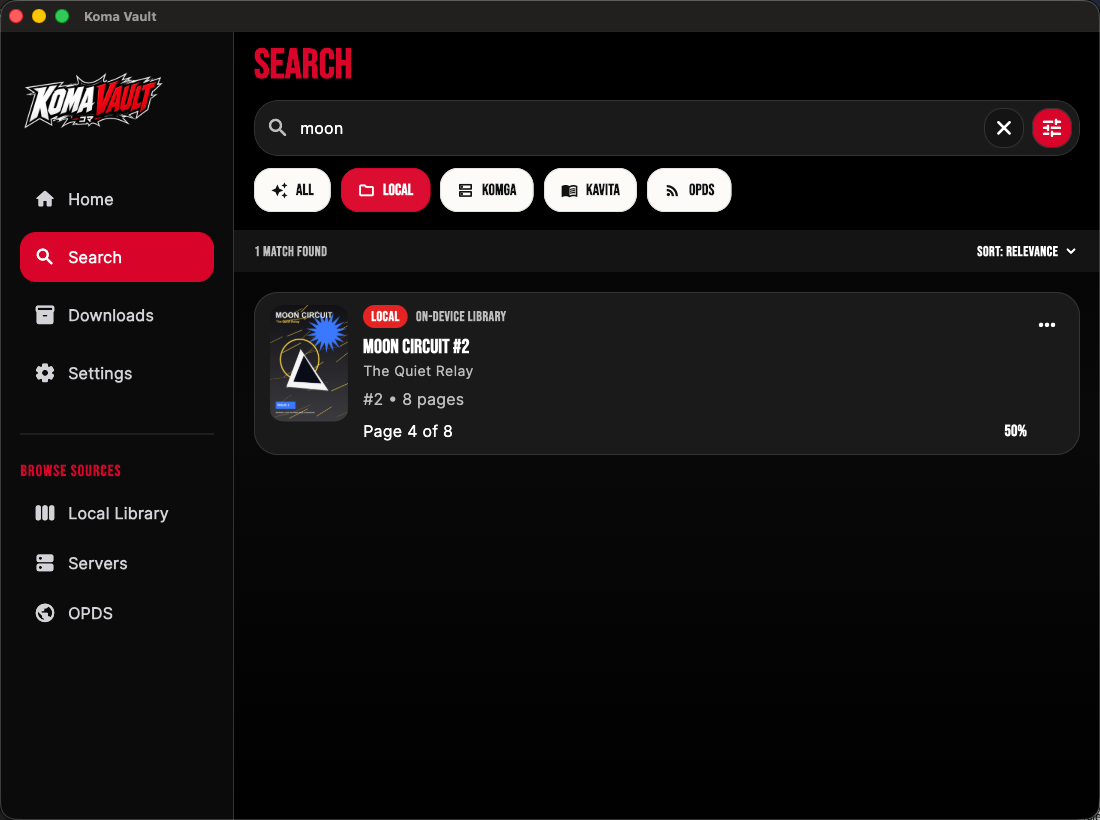
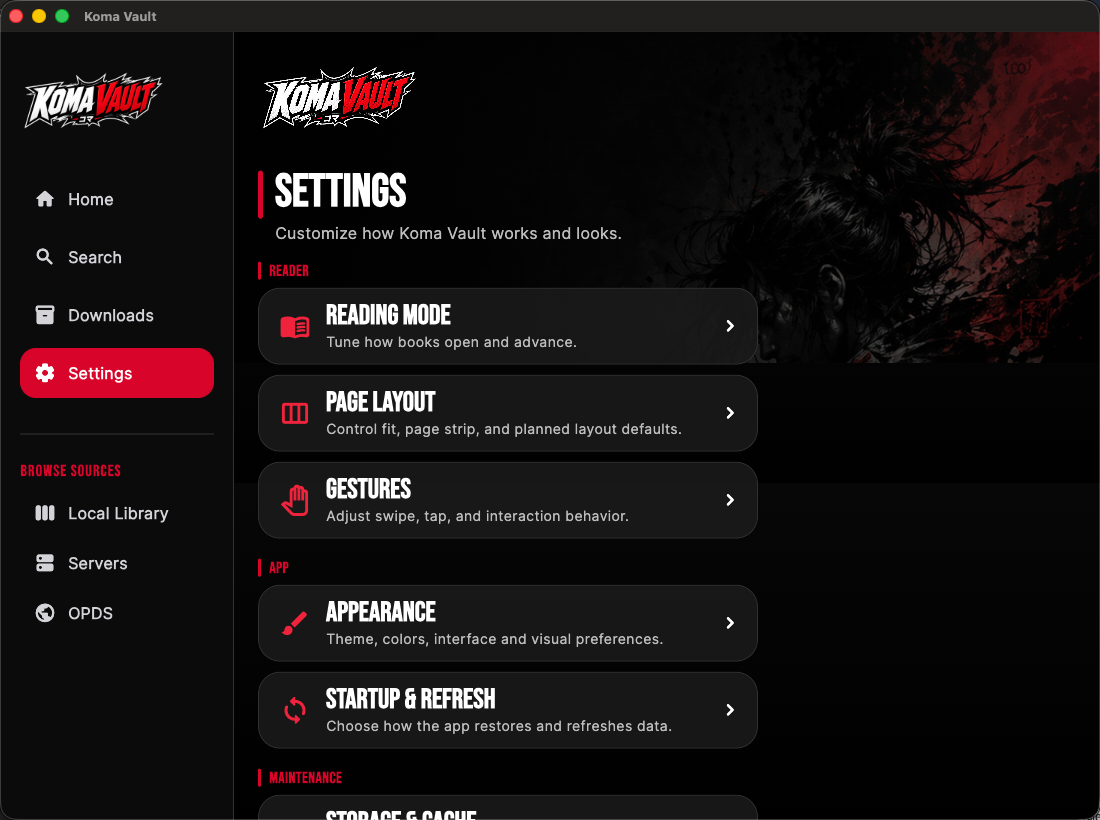
These images were captured from running Koma Vault native builds with generated first-party demo comics. They are not UI mockups, CSS renders, golden-test artifacts, private server screenshots, or copyrighted comic pages.
Phone And Tablet
Desktop And Reader
Recorded Flow
What These Captures Show
- Phone, tablet, and desktop library layouts.
- A reader page using generated sample comic art.
- Search results filtered to generated local content.
- The Settings screen from the updated app UI.
- A short recorded open-and-read flow from the native app.
Capture Rules
- Use synthetic, first-party, or licensed sample comic content.
- Hide private server names, hostnames, IP addresses, emails, usernames, passwords, API keys, and tokens.
- Avoid copyrighted comic pages unless you have rights to publish them.
- Do not use UI mockups, CSS renders, golden-test artifacts, or screenshots with missing icon fonts as product screenshots.
- Capture phone and tablet variants where app stores or the website need them.